Speed and SEO: why a website that “loads fast” is no longer enough in late 2026 (focus on INP)
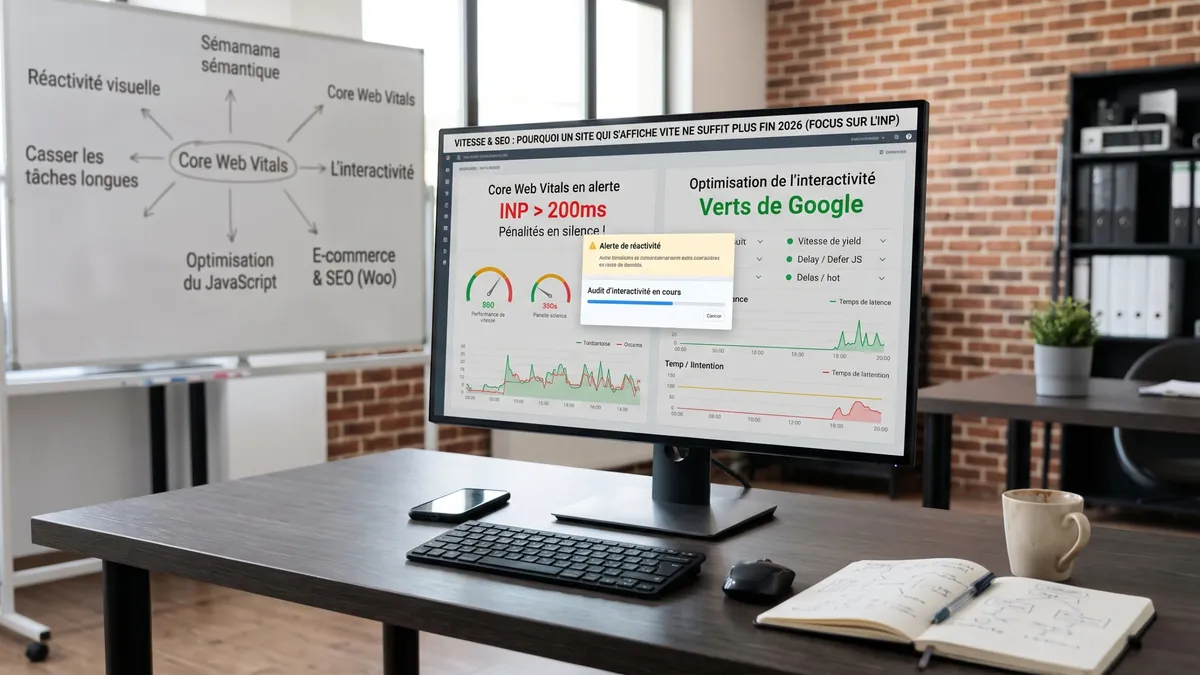
For years, the watchword of technical SEO was simple: “the website must load fast”. You chose good hosting, compressed your images, and your home page displays in under 2 seconds. Mission accomplished? Not quite.
Since March 2024, Google's Core Web Vitals no longer measure only display speed but also responsiveness. That is the role of INP (Interaction to Next Paint), which replaced the former FID metric. In late 2026, it is still one of the most common weak points of WordPress and WooCommerce websites.
1. What is INP and why has it changed the game?
INP measures how quickly the page reacts to user interactions (click, tap, key press): the delay between the action and the moment the screen shows a visual response. It keeps the slowest interactions of the visit. Simple scrolling is not counted.
- The “frozen website” problem: you have surely clicked “Add to basket” or opened a menu on mobile… and nothing happened for half a second. You thought you had missed and clicked again. That is exactly what INP measures.
- The difference with loading time: a website can display very quickly (good LCP) and still react slowly, if the browser is busy running scripts at the moment of the click.
| INP | Google's assessment |
|---|---|
| 200 ms or less | Good (green) |
| 200 to 500 ms | Needs improvement (orange) |
| More than 500 ms | Poor (red) |
2. WordPress and WooCommerce: the usual culprits behind poor INP
WordPress is an excellent tool, but without optimisation it is particularly exposed to responsiveness problems. If the “Core Web Vitals” report in your Search Console flags a high INP, here are the usual suspects:
- Overloaded page builders: heavy themes and visual editors often generate a very deep DOM (the page's HTML structure). The more “boxes within boxes”, the harder the browser has to work to update the display after a click.
- Third-party JavaScript: chat tools, advertising tracking pixels, A/B tests, carousels… If these scripts run at the moment of the click, the page freezes.
- WooCommerce Ajax filters: very handy for sorting products without reloading the page, they become frustrating if the click triggers no visual feedback while the server responds.
3. How to turn things around and get Google's “green”
Optimising INP is not a box to tick in a plugin: it is real web engineering work.
- Defer non-essential JavaScript: scripts not needed for the first display (chat tool, advertising trackers) should load later. Be careful, though: delaying them “until the first interaction”, as some caching plugins offer, can actually slow down that very first click. Test script by script.
- Break up long tasks: if a heavy script has to run, it should be split into small chunks so the browser can respond to clicks between calculations.
- Give immediate feedback: show a loading indicator or the button's “in progress” state straight away, then do the heavy processing. Visitors see their click has registered, and INP improves.
- Speed up the server: an object cache (Redis or Memcached) and a clean database shorten responses to Ajax requests. INP does not measure this network wait as such, but perceived smoothness improves greatly, especially on a shop.
Conclusion
A website that loads fast is no longer enough: it must also respond fast. Technical user experience has become a prerequisite for keeping your rankings and converting visitors, especially in e-commerce (see our 4 pillars of WooCommerce SEO). For WordPress-specific levers, also read our article on optimising a WordPress website.
Is your Search Console flagging Core Web Vitals or INP issues? Contact us: we will audit your website's code to find what slows it down and make it as smooth as Google expects.
Frequently asked questions
What is a good INP?
Google considers an INP of 200 milliseconds or less good, between 200 and 500 ms in need of improvement, and above 500 ms poor. The figure used comes from real visitors, over 28 days.
Where can I see my website's INP?
In Search Console, in the “Core Web Vitals” report, and page by page in PageSpeed Insights, in the real-user data section.
Is a caching plugin enough to fix INP?
Rarely. It helps with loading, but INP depends mainly on the JavaScript running when users click. Scripts, or even the theme, often need to be lightened or reorganised.

A website, SEO or another request?
Design, redesign, SEO, maintenance, AI assistant or just a question: let's talk. Free quote and quick reply.
Request a quote or contact us