Optimising the performance of your WordPress website
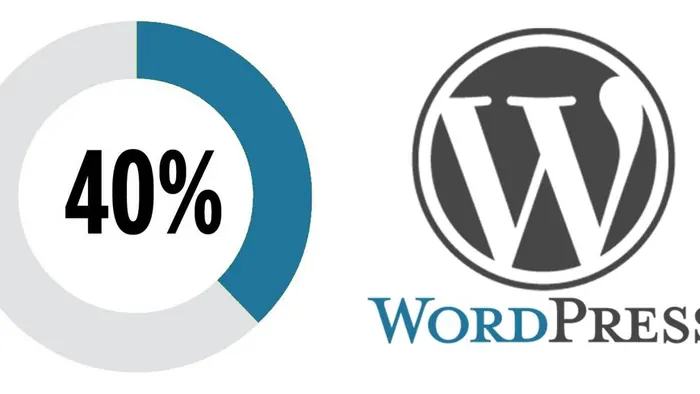
WordPress powers more than 40% of websites worldwide. Its flexibility is immense, thanks to thousands of themes and plugins – WooCommerce for online sales, for example. But that flexibility has a downside: a poorly configured WordPress website can quickly become slow, which harms both the visitor experience and search rankings.
Why is speed so important?
- For your visitors: after a few seconds of waiting, many users, especially on mobile, leave the page.
- For Google: Core Web Vitals are among the page experience signals taken into account in rankings.
- For your sales: a faster store converts better.
| Metric | What it measures | “Good” target |
|---|---|---|
| LCP – Largest Contentful Paint | Time to display the largest visible element | Under 2.5 s |
| INP – Interaction to Next Paint | Responsiveness to clicks and typing | Under 200 ms |
| CLS – Cumulative Layout Shift | Visual stability (elements that “jump”) | Under 0.1 |
Our 6-step method
1. Audit current performance
We start by measuring: PageSpeed Insights and the Core Web Vitals report in Search Console show your visitors' real data, while tools such as GTmetrix or Lighthouse detail what slows down each page.
2. Analyse the causes
The usual culprits are well known:
- images that are too heavy or not resized;
- a theme or page builder that loads a lot of unnecessary code;
- too many plugins, sometimes redundant or abandoned;
- undersized hosting or an outdated PHP version;
- third-party scripts (chat, videos, social networks, trackers) loaded on every page.
3. Put the right tools in place
- A caching plugin (WP Rocket, LiteSpeed Cache depending on the hosting…) to serve ready-made pages.
- Image optimisation: conversion to WebP or AVIF, compression, lazy loading.
- Minification and deferred loading of non-essential CSS and JavaScript.
- A CDN (such as Cloudflare) if your audience is broad.
- An SEO plugin (Yoast SEO, Rank Math…) to manage titles, descriptions, the sitemap and structured data.
4. Work on SEO
A fast website is a foundation, not an end in itself. Together we define the strategic keywords, optimise the important pages and put a content strategy in place to make lasting progress on Google.
5. Train you
We teach you how to use the tools installed: adding a properly optimised image, writing a well-structured page, filling in the SEO fields. A high-performing website stays that way if those who update it have the right habits.
6. Monitor over time
Every update and every new plugin can degrade performance. Regular monitoring makes it possible to detect a regression before it costs you visitors.
Good everyday habits
- Resize your photos before uploading them to the website.
- Delete deactivated or unnecessary plugins.
- Keep WordPress, the theme and plugins up to date (see our article on backups and updates).
- Choose hosting suited to your traffic, with a recent version of PHP.
Need a faster WordPress website?
With over twenty years of experience with WordPress and WooCommerce, we carry out a full audit of your existing website, or build a showcase or e-commerce website optimised from the outset, then support you over the long term.
Frequently asked questions
Is a slow website penalised by Google?
Speed is one of the page experience signals. It does not make up for poor content, but with equal quality, a fast website has the edge, and it keeps its visitors better.

A website, SEO or another request?
Design, redesign, SEO, maintenance, AI assistant or just a question: let's talk. Free quote and quick reply.
Request a quote or contact us